Fixing the Close Action for a Modal popup in Mendix
- Hank
- 01 Aug, 2023
Our tester engineer recently reported an issue where in a Mendix app, it takes more than 3 seconds to close a popup after clicking the close button.We looked closely at the log and found that it always does some rollback and fetching before actually closing the modal.We found that the default Close action for the modal is Cancel, which means cancel changes that are not committed in Mendix. This explains why it triggers rollback and retrieve before closing, even though no changes have been made.To fix this, you can change the Close action to _Close Page_.However, there is no Close page in the list. There are some options that are bound to other buttons in the modal.So you have to add a button in the modal, bind close page action to the button, and change the Close action of the model to the button.Sometimes you don’t need this extra button shown in the modal; you can just give it a hidden style, like adding `display:none` style in its appearance tab.---EOF---
Read MoreMendix: How to call Microflow in Java Action and use its return value
- Hank
- 28 Oct, 2022
After you dive into Mendix for a longer time, you would find yourself writing java code now and then. Don't worry, good news is that you don't need to write a lot of java code, Mendix is Low Code anyway.In Mendix, java code is been called Java Action.And you will also find you have to call Microflow in your java code. And in the latest version, approx Mendix 8.1, calling a Microflow can be in this way:```java com.mendix.core.Core.microflowCall("YourModule.SUB_ShowMessage") .inTransaction(true) .withParam("Name", "Hank") .withParam("Message", "Just another developer") .execute(this.getContext()); ```This will call your Microflow `SUB_ShowMessage` in your `YourModule` module, passing **Name** and **Message** to it.Sometimes if your Microflow has too many parameters, clearly chaining too many **withParam** is not a proper way. You can use **HashMap**```java java.util.Map params = new java.util.HashMap<>(); params.put("Name", "Hank"); params.put("Message", "Just another developer"); params.put("note", "This seems also a lot of code") com.mendix.core.Core.microflowCall("YourModule.SUB_ShowMessage") .inTransaction(true) .withParams(params) .execute(this.getContext()); ```You can see there is no return value in the Microflow or you don't want/need to use the return value of it.But what about you want to use it?If your Microflow returns a simple value, like _String_, _Long/Integer_, _Boolean_, then it's easy, just assign it to your Java variable:```java Boolean mfValue = com.mendix.core.Core.microflowCall("YourModule.SUB_ShowMessageWithReturnValue") .inTransaction(true) .withParam("Name", "Hank") .withParam("Message", "Just another developer") .execute(this.getContext());// then you can use the mfValue ```Well, this seems easy, what if the Microflow returns an object?When a Microflow returns an Object, it will lose its Entity definition and returns an interface **IMendixObject\*. You can not use it without init it with the corresponding Entity. Let's say, it returns a **System.User\* entity, then you will do this to use it:```java // returns IMendixObject IMendixObject mendixObj = com.mendix.core.Core.microflowCall("YourModule.SUB_ShowMessageWithReturnValue") .inTransaction(true) .withParam("Name", "Hank") .withParam("Message", "Just another developer") .execute(this.getContext());// init with Entity's init function final User user = User.initialize(this.getContext(), mendixObj); ```---EOF---
Read MoreJavaScript :How to detect if an element is visible
- Hank
- 28 Jul, 2022
There are many ways to detect if an element is visible on page. like```javascript element.style.display !== none && element.visibility !== hidden ```And what if you want to detect if an elemtn is in current viewport?Easy, right? You just need to use `getBoundingClientRect`, check if it's top and bottom are all in viewport:```javascript const position = element.getBoundingClientRect()if (position.top >= 0 && position.bottom I'm not visible```If you run `document.querySelector('child').style.display === 'block'`, you will get a **true**.How to fix this?Well we can use `offsetParent`. The HTMLElement.offsetParent read-only property returns a reference to the element which is the closest (nearest in the containment hierarchy) positioned ancestor element.so if `elment.offsetParent === null`, then we can tell that the `element` is not visible.
Read MoreEnable HTTPS on local, even with a customizable domain
- Hank
- 14 Sep, 2021
Normally, when you're debugging your web app on local, you can access it with either `http://localhost:PORT` or `http://127.0.0.1:POST`.The `POST` might be `8080` or `3000` or what's ever.But sometimes you might need to access your local web app with `https`, like `https://localhost:8080`. So you search online with `local https`, tons of posts/tutorials teach you how to generate self-signed SSL certificate and assign to your localhost.As an app developer, you might feel it's too complicated and don't want to spend half an hour on it.So here I found the easiest way to achieve this with just one small tool and 1 line command, without changing anything in your actual app.This tool is (**local-ssl-proxy**)[https://www.npmjs.com/package/local-ssl-proxy] , it is an open sourced npm package. so you can just install it by running```shell npm install -g local-ssl-proxy ```Then you can just access your local web app with this command(let's assume the app is running on 8080 port):``` local-ssl-proxy -s 8081 -t 8080 ```In this way, your web app's url will be `https://localhost:8081`. And you can still access your app from the original http url and port.The **-s** is the port that the app will be proxies to, the **8080** is the actual port your app running on.### what's more?If you don't like to use the localhost, or you have to assign as domain to your local app. you can simply make it with 2 more steps.- add a line in your computer's **hosts** file. - if you are on Windows, the hosts file's path is `c:\windows\system32\drivers\etc\hosts` - on Mac and Linux the path simply is `/etc/hosts` - you need Admin/root privilege to modify it The line would be ```shell 127.0.0.1 YOUR_DOMAIN ``` The `YOUR_DOMAIN` can be anything, you don't even register the domain, because it only works on your computer. But don't use some famous one like youtube.com or google.com, some browser would block it. Let's say we use the `hank.momane` in below example.- Then run the proxy like this:```shell local-ssl-proxy -s 443 -t 8080 -n hank.momane ```So by using the SSL port **443** and an extra parameter **-n**, now you can access your app via `https://hank.momane`.
Read MoreFirefox offline installer official download page
- Hank
- 25 Aug, 2021
Why do I need offline installer of Firefox?Because its online installer is too slow. (Yes the installer that you download from its index page is online installer, basically it's just a downloader, that when you run it, it just downloads the offline installer and install it for you. If you don't feel it's slow, then you don't need to read this post.) And maybe the online installer even uses P2P so when it will also upload to others while installing.So in this [Firefox offline installer download page](https://www.mozilla.org/en-US/firefox/all/#product-desktop-release), you can pick any version for any OS to download the Firefox, like Firefox Developer Edition, Firefox Beta, for Mac, for Windows, fore Linux and even for Android mobile.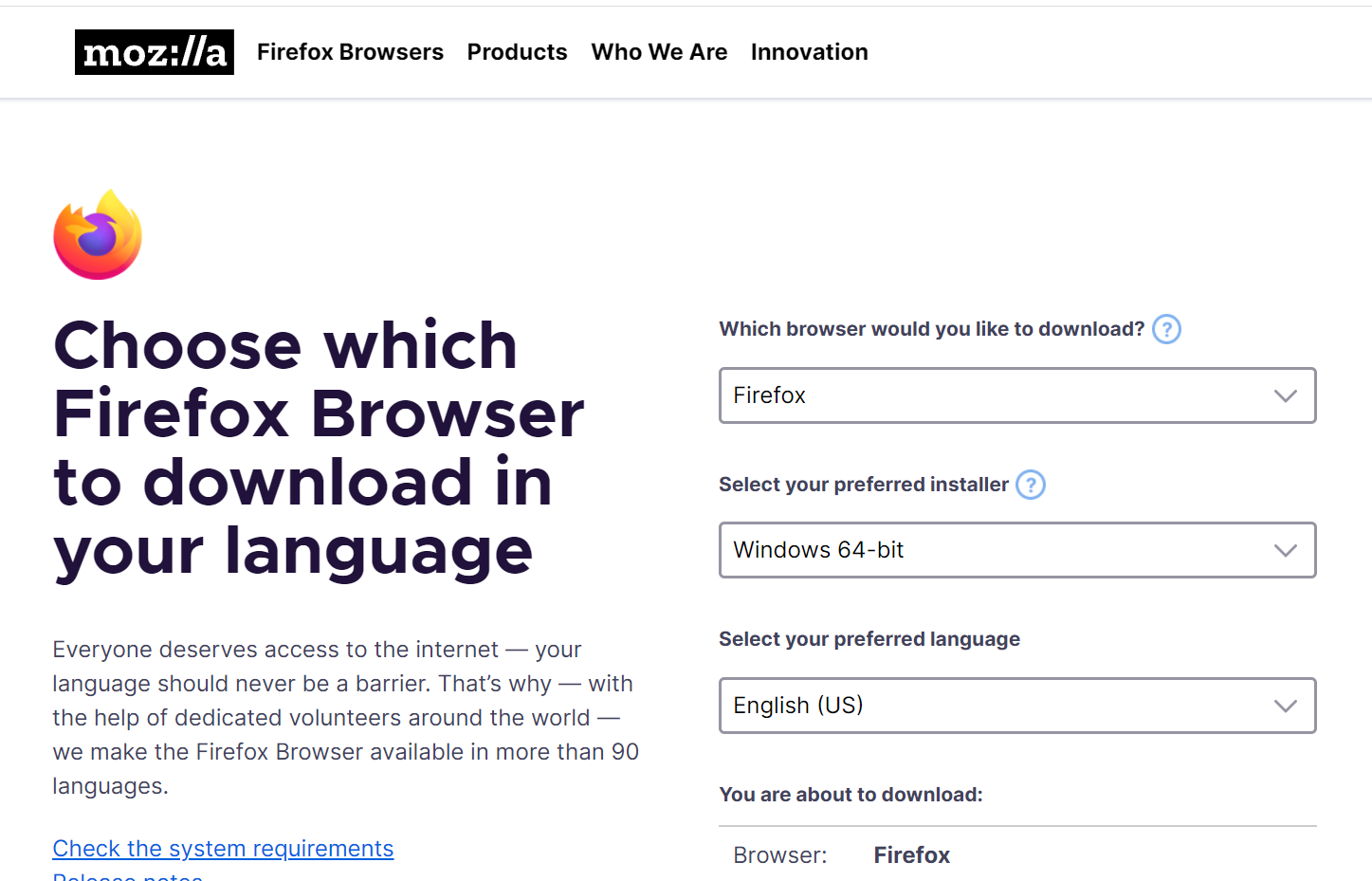And, here is also [Chrome release channels](http://www.chromium.org/getting-involved/dev-channel), where you can download several chrome versions, like Chrome Dev version, Beta, and Canary, for different OS.Like me, I like running different profile in different versions of Chrome and Firefox, because their icon are different ,easier than check the profile name in the top right corner.
Read More